
Get the perfect audio vibe – visualize sound from your PC and phone in real time
Stream sound from your PC over Wi-Fi, from your phone's own apps, or straight from the microphone.

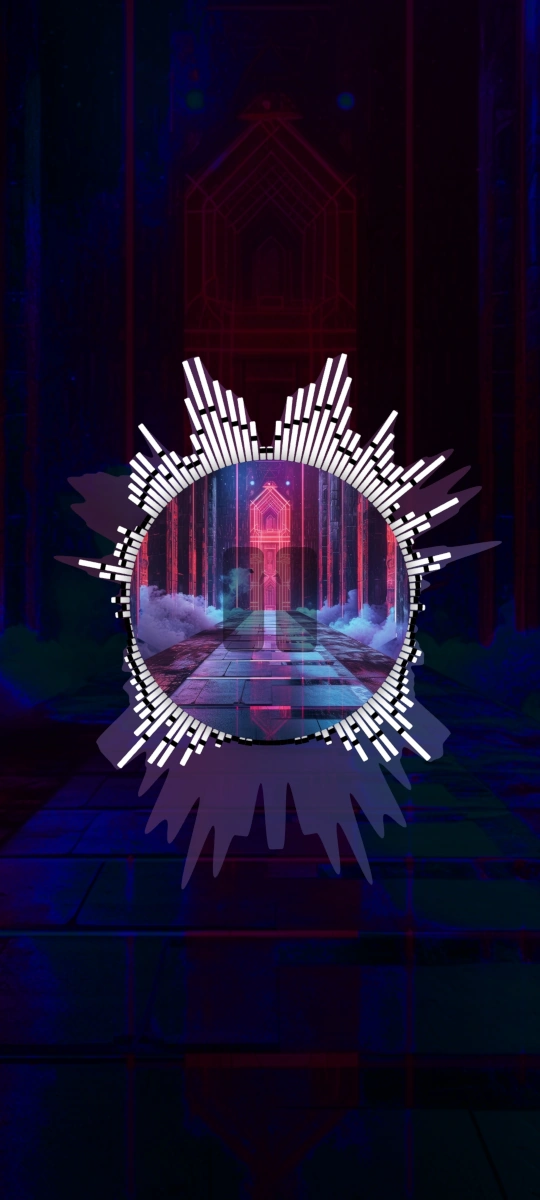
Visualize your audio
in 3 ways
Desktop audio
A browser tab, any game, your favorite music player – anything your PC plays is captured at system level and sent to your phone over the same Wi-Fi network.








Phone audio
Visualize audio from most music and video apps and see it react in real time.
Audio is captured at the system level, so the app doesn't need to support Soundlizer.
 Winamp
 AIMP
AIMP YouTube
 YouTube Music
 PowerAmp
 And others
Microphone
Your phone's microphone picks up whatever is playing around you – a gig, a record player, a room. Nothing to connect, no PC required.
Extended features
Spectrum analysis from 16 to 128 bands, layer-based templates, live track metadata, and player controls you can reach without leaving the app.
Real-time audio analysis
True FFT processing – instantly responsive visuals, with 16 to 128 bands for full-spectrum audio customization.
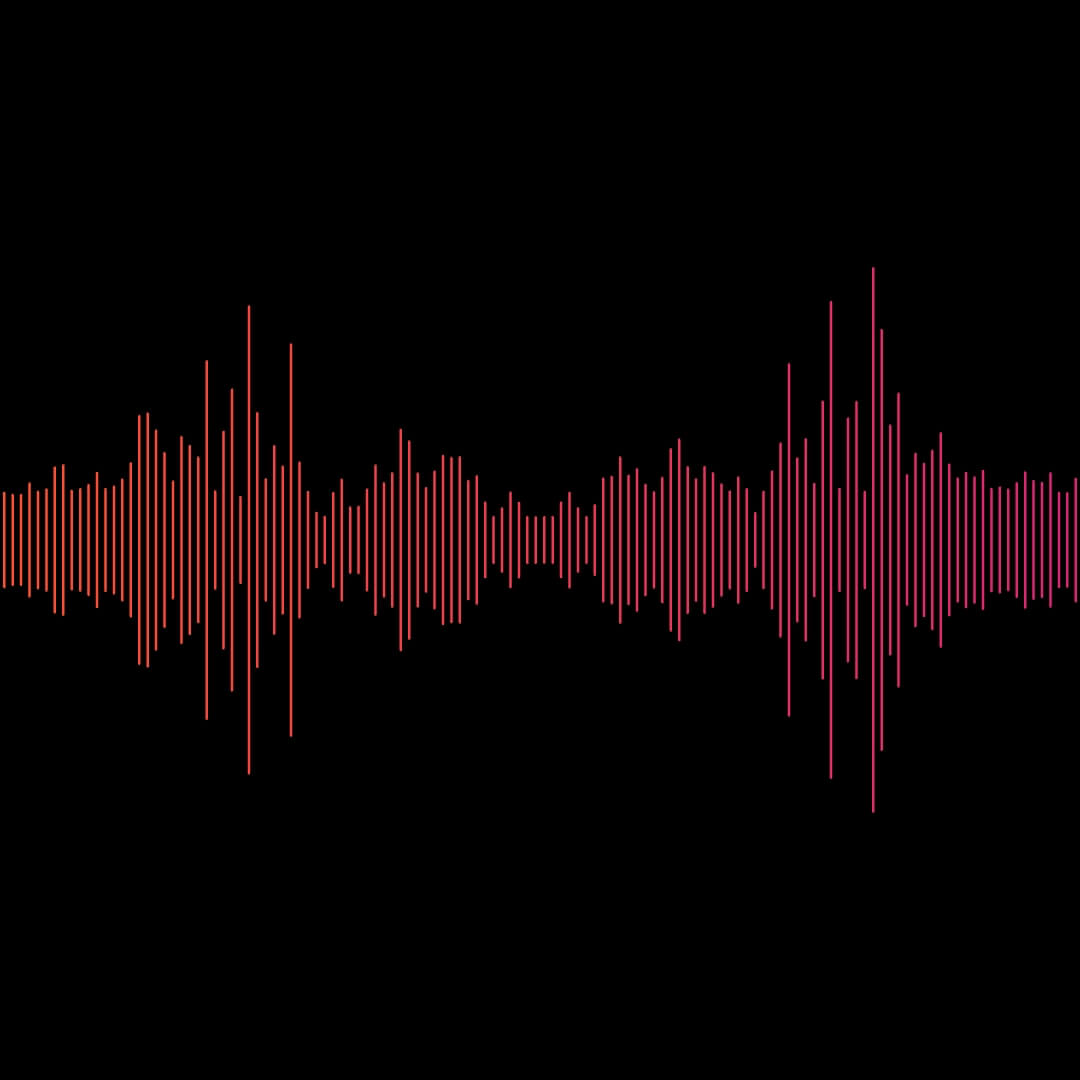

Templates customization
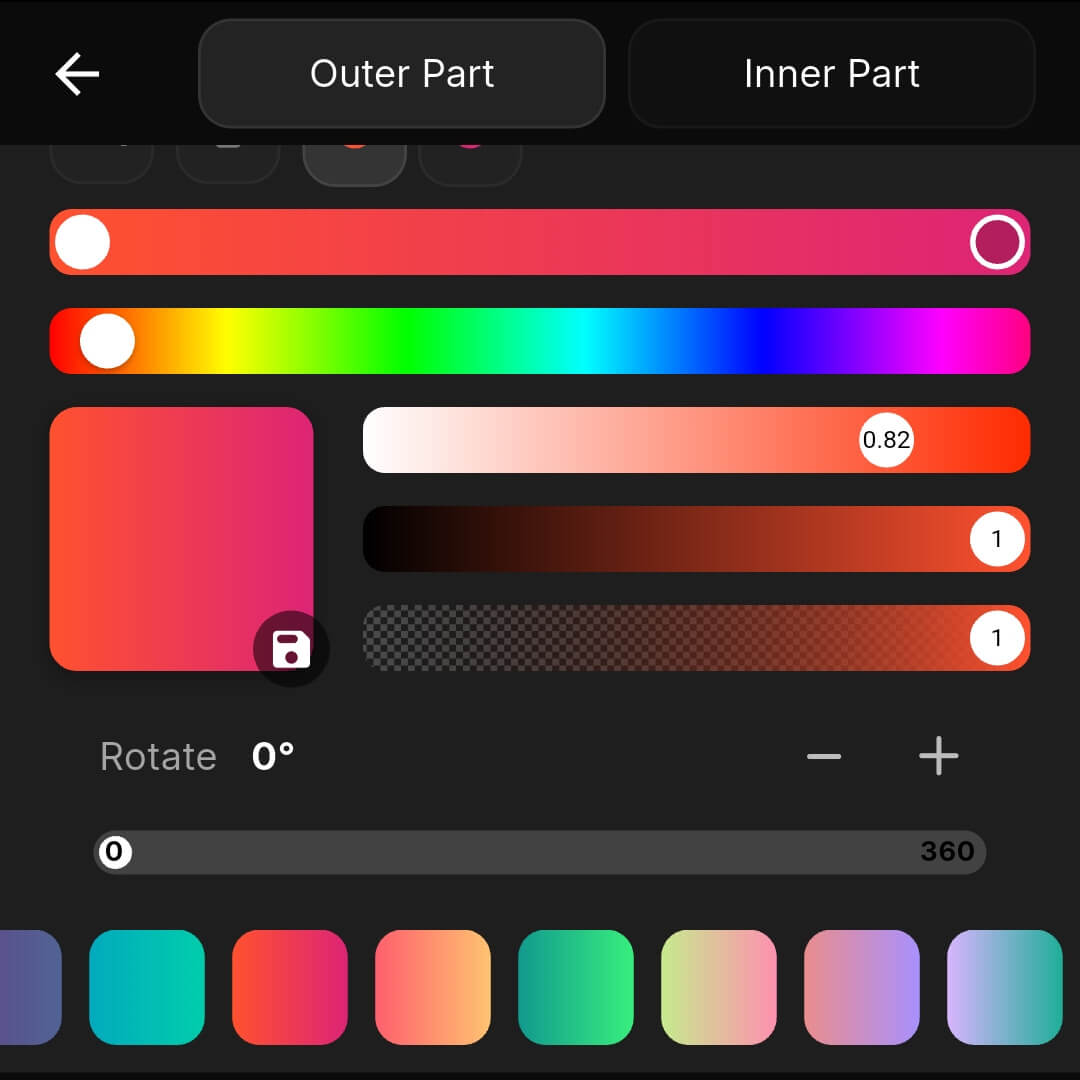
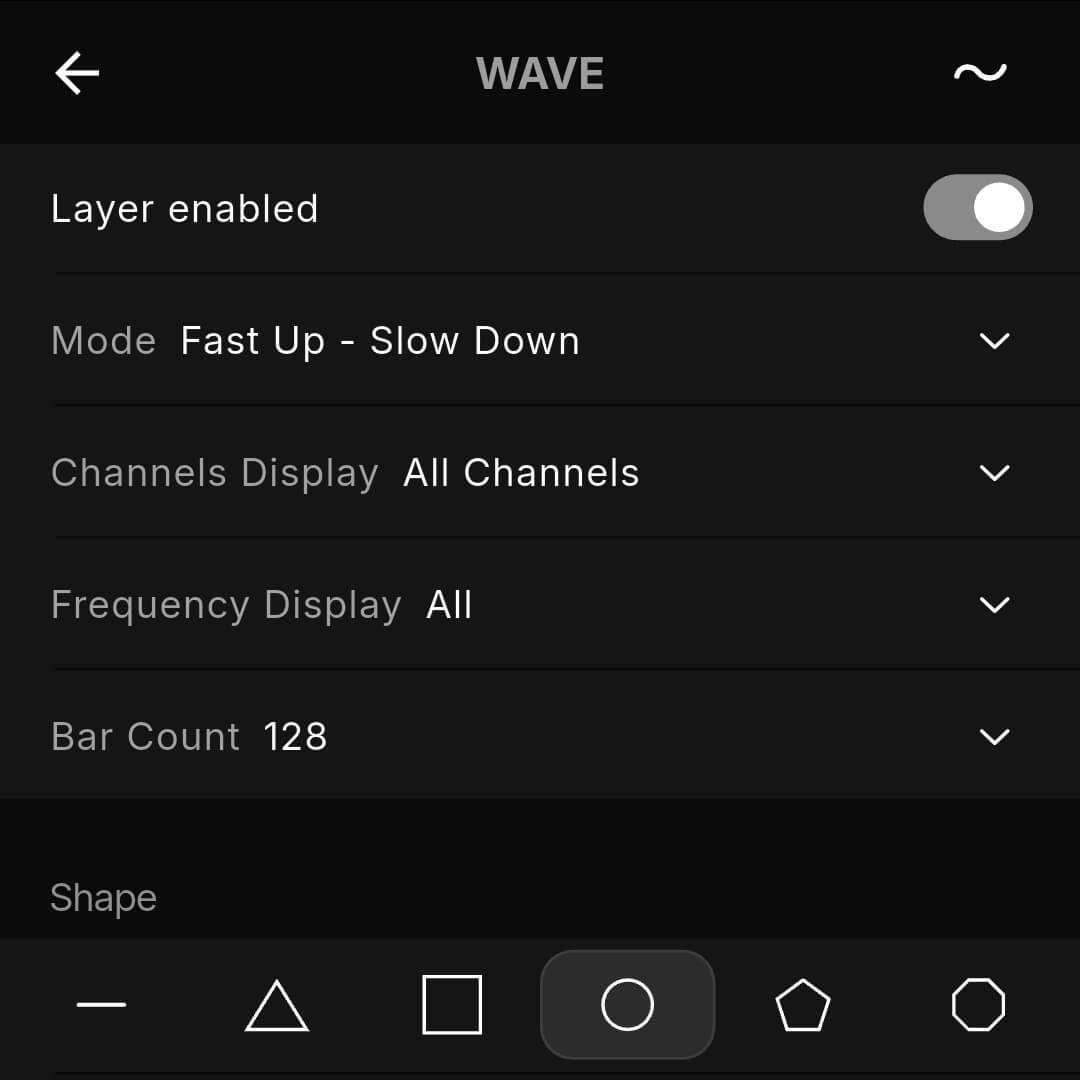
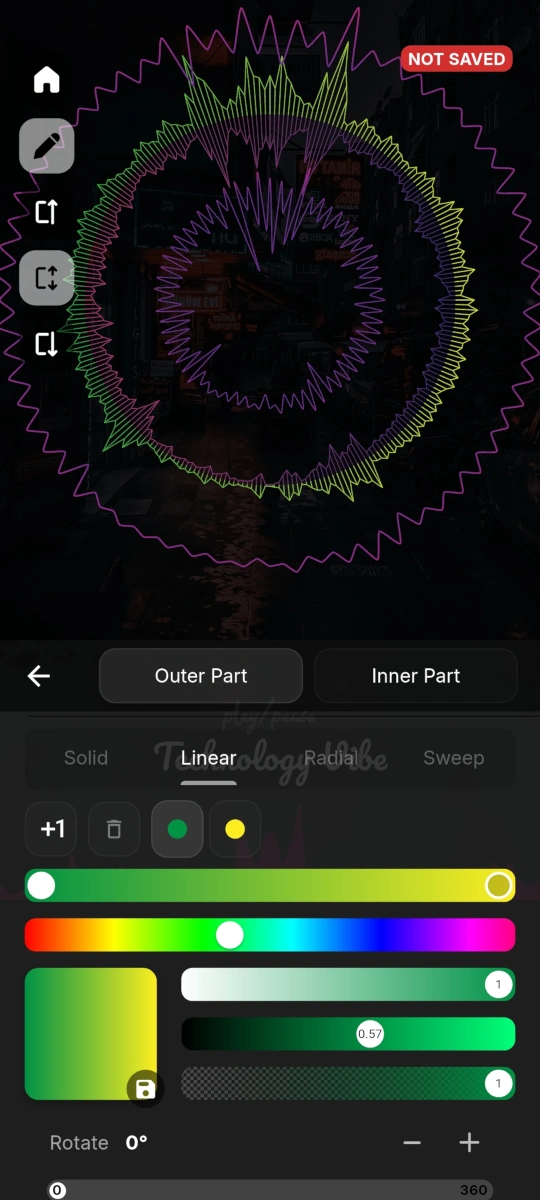
Adjust sensitivity, colors, smoothing, and layout to match your style. Customize every detail, from frequency bands, channel balance, and amplitude to shape, brightness, and color schemes.
Track metadata integration
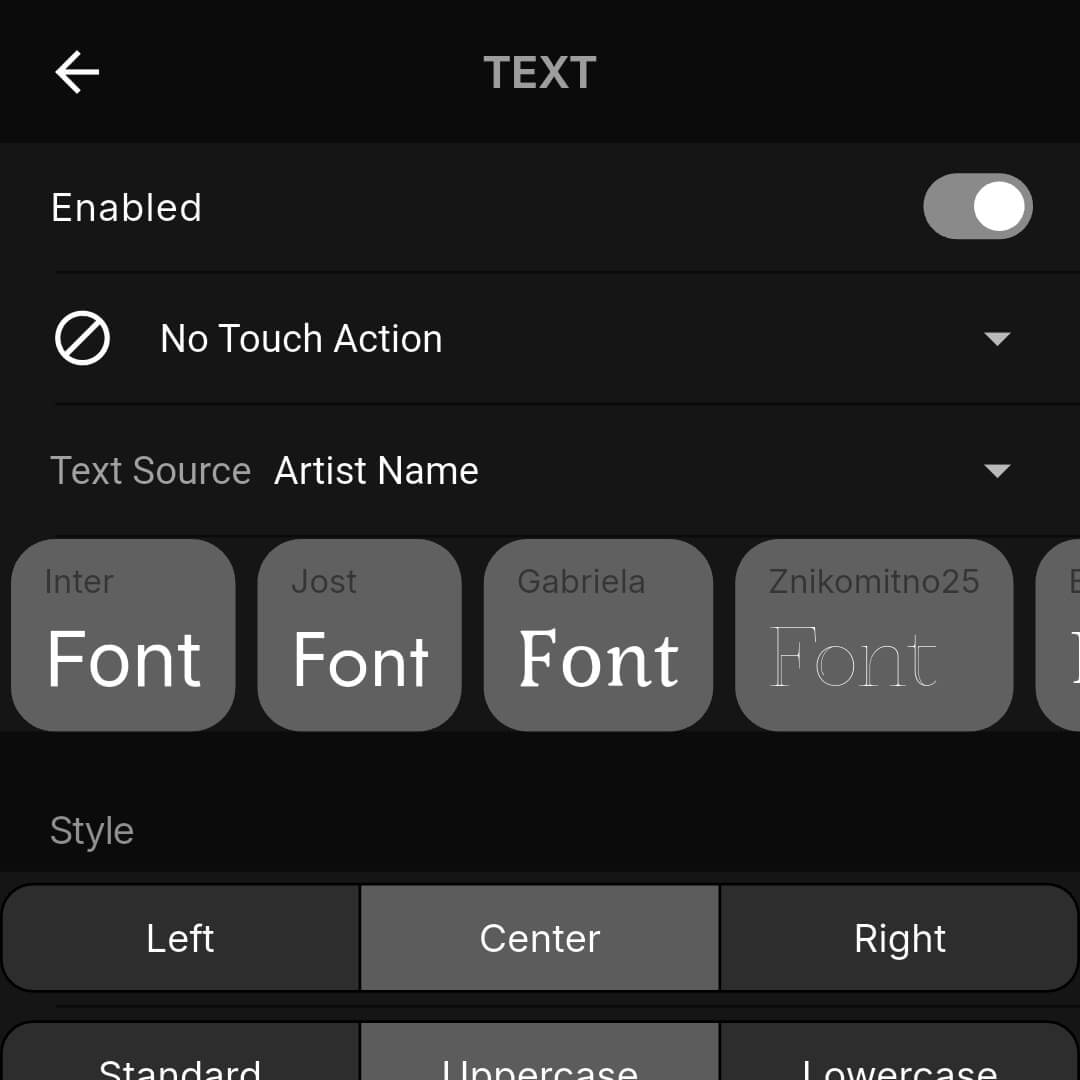
Your visuals always match the music – artist, song name, and cover art pulled in real time from your active media player. Works on both PC and mobile.

Music player control
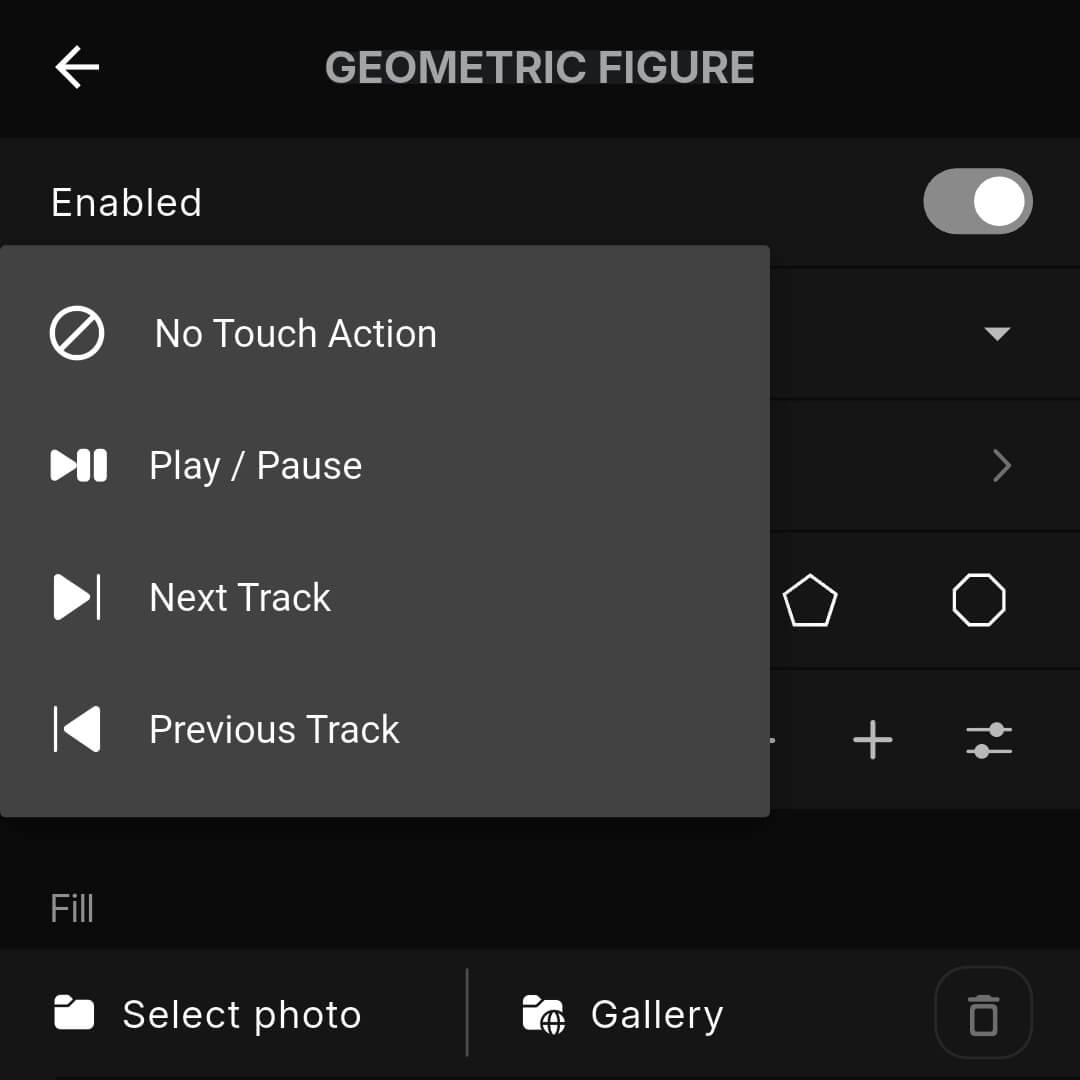
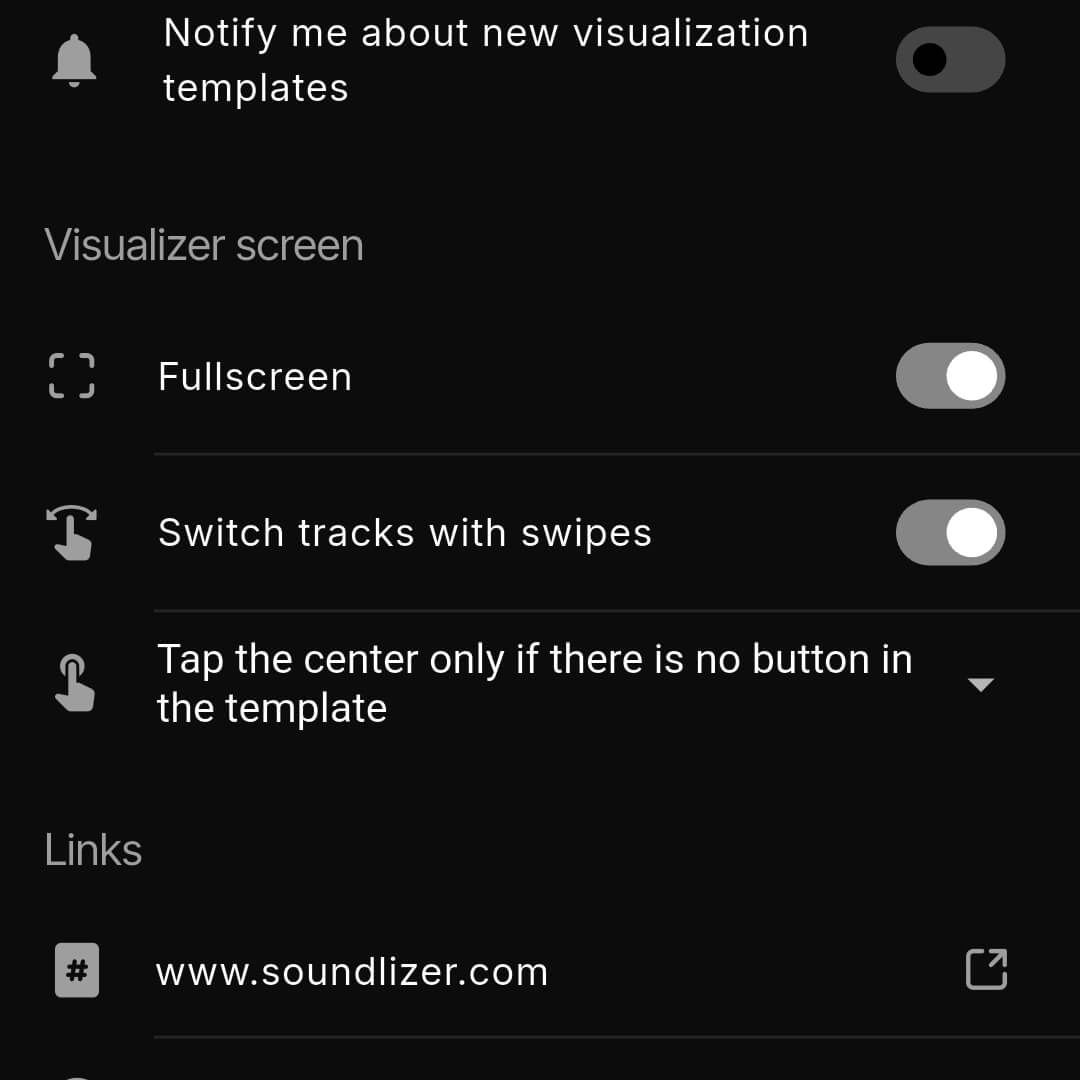
Control your music apps like a remote, directly from Soundlizer. Play, pause, and skip tracks instantly while enjoying live visuals.
Modular visual engine
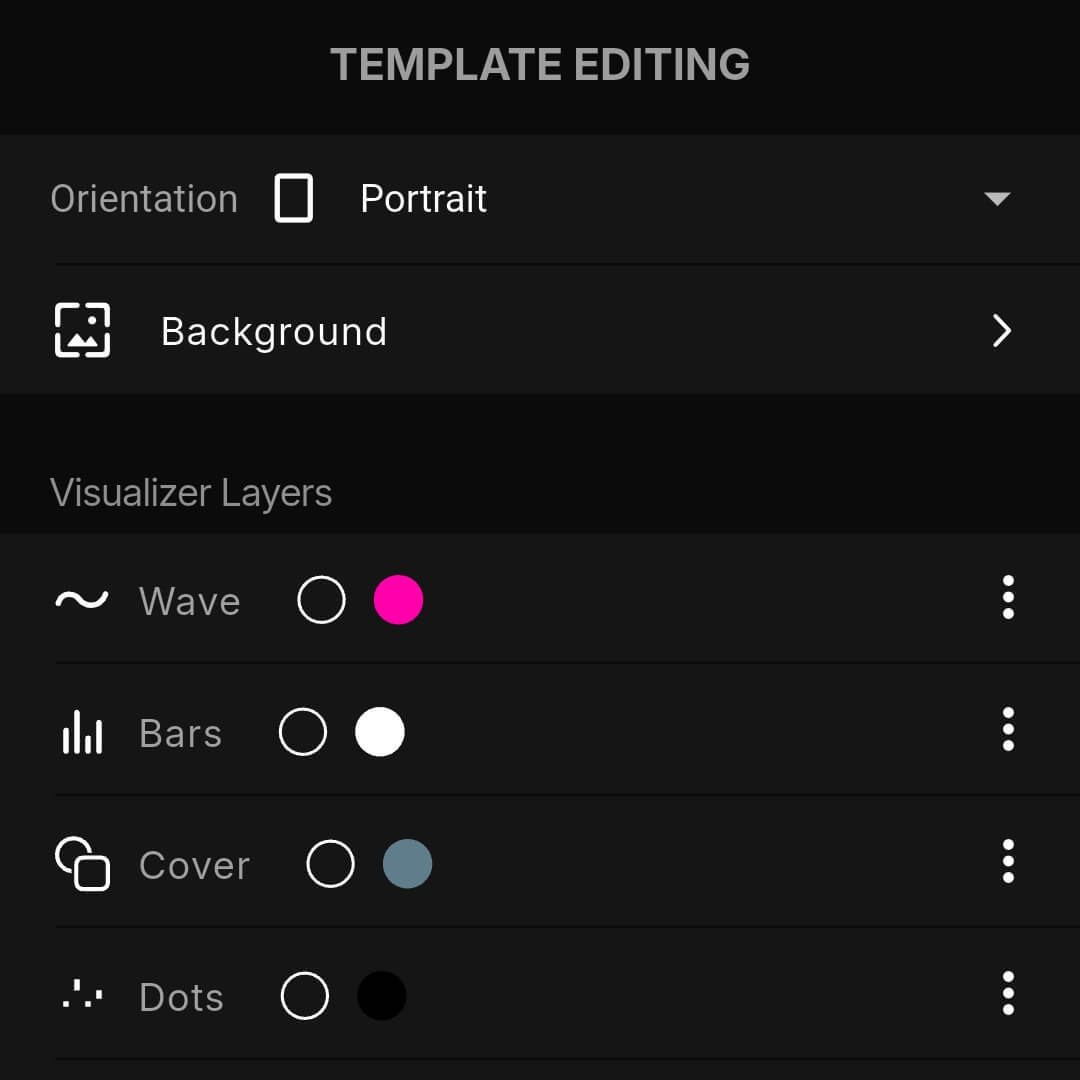
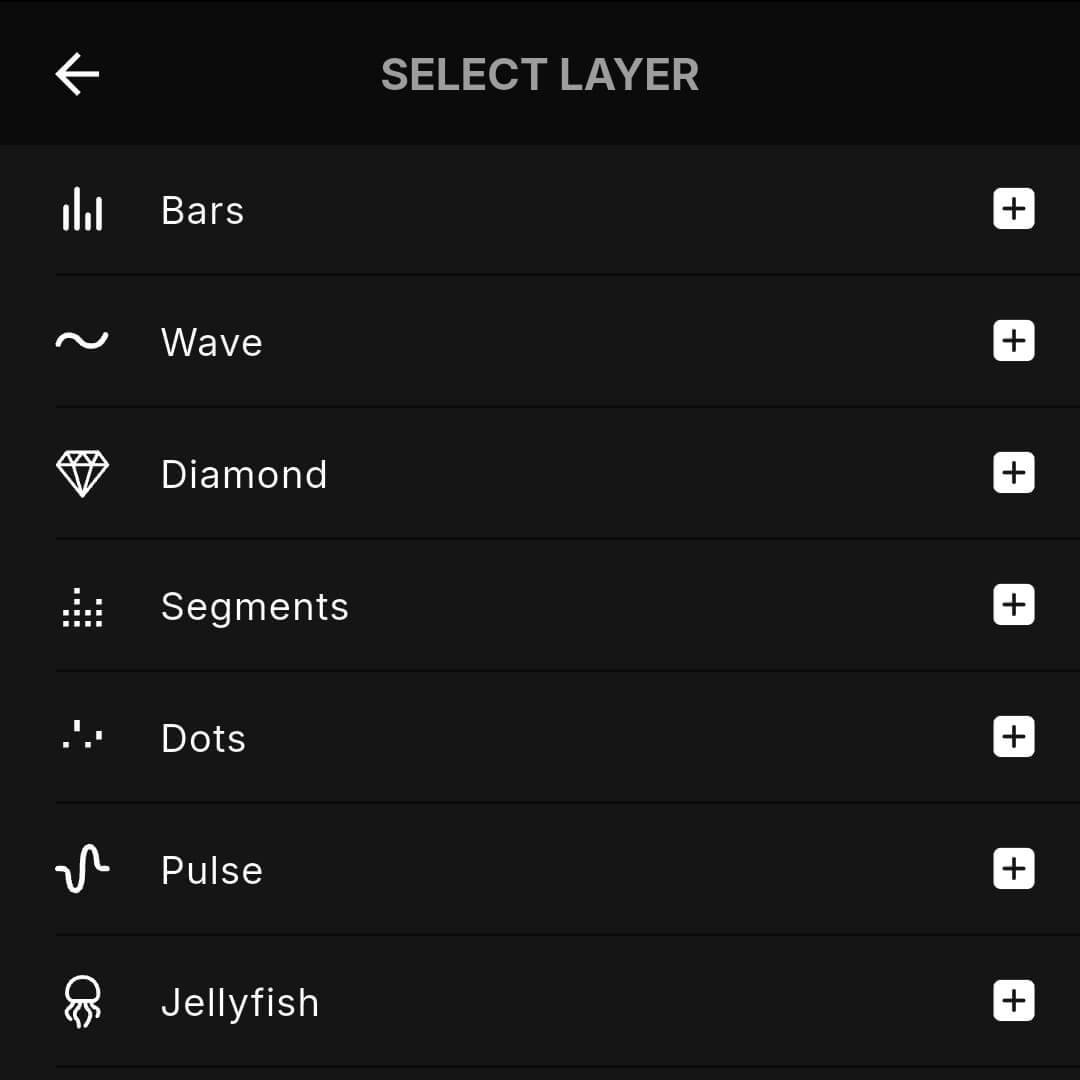
Every template is a stack of independent layers: spectrum, waveform, text, geometric shapes, cover art. Reorder them, restyle them, or switch one off and the rest keep running.


Install. Connect. Visualize.
Two apps, one Wi-Fi network, and your phone stops being a phone for a while.