
Turn your phone into a live music visualizer for your PC.
Soundlizer Connect captures whatever you're listening to on your computer, processes it and streams the visualization data straight to your mobile device.
Features
Soundlize Connect captures system audio, so it doesn't matter where your music comes from - any player, browser, or app will work.
Wireless connection
Soundlizer Connect sends visualization data to your phone over your local Wi-Fi network.
Ultra-low latency
Soundlizer Connect uses a lightweight UDP-based data stream, sending only the visualization data and simple meta tags - not the audio itself.
Local connection
Audio processing happens on your PC. Visualization data is transmitted directly to your phone over your local network. Nothing is sent to our servers.
Multilingual support
Available in 8 languages:
EN · DE · ES · FR · PT‑BR · RU · JA · KO
Visualization
Soundlizer Connect creates visualizations for any sound playing on your PC.
- Music
- Browsers
- Games
- Videos
- ANY APPS
- can all be visualized on your phone.
It captures the audio output from your PC, processes it and sends the visualization data to your phone.
The visualization does not depend on the player or app producing the sound.
The audio itself is not sent to your phone or transmitted over the network.
Metadata and playback control
Track information and playback controls work through native media interfaces supported by the player.
- Spotify
- Rhythmbox
- YouTube Music
- Audacious
- Elisa
- Strawberry
- Windows Media Player
- Groove Music
- and many other players are supported
On Linux, Soundlizer Connect uses MPRIS, a standard interface supported by many media players.
On Windows, Soundlizer Connect uses Windows media sessions to get track information and control playback.
A player that lives on top of your desktop
A frameless mini player that stays on top of other windows. It shows the cover, track information and playback controls. Resize it, adjust its transparency and customize which elements are visible.
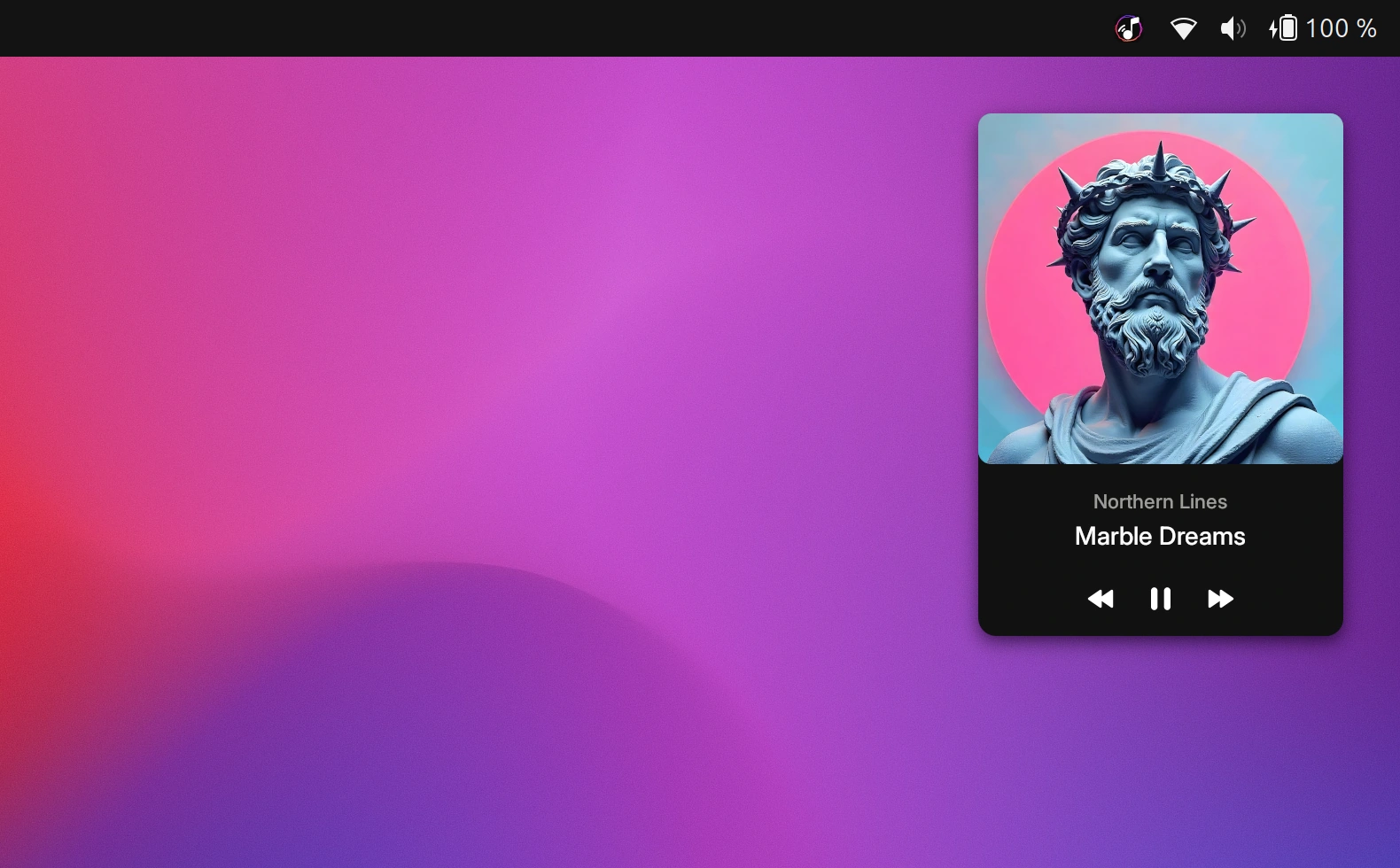
Mini player
A compact player that stays on top of other windows and is visible across all screens.
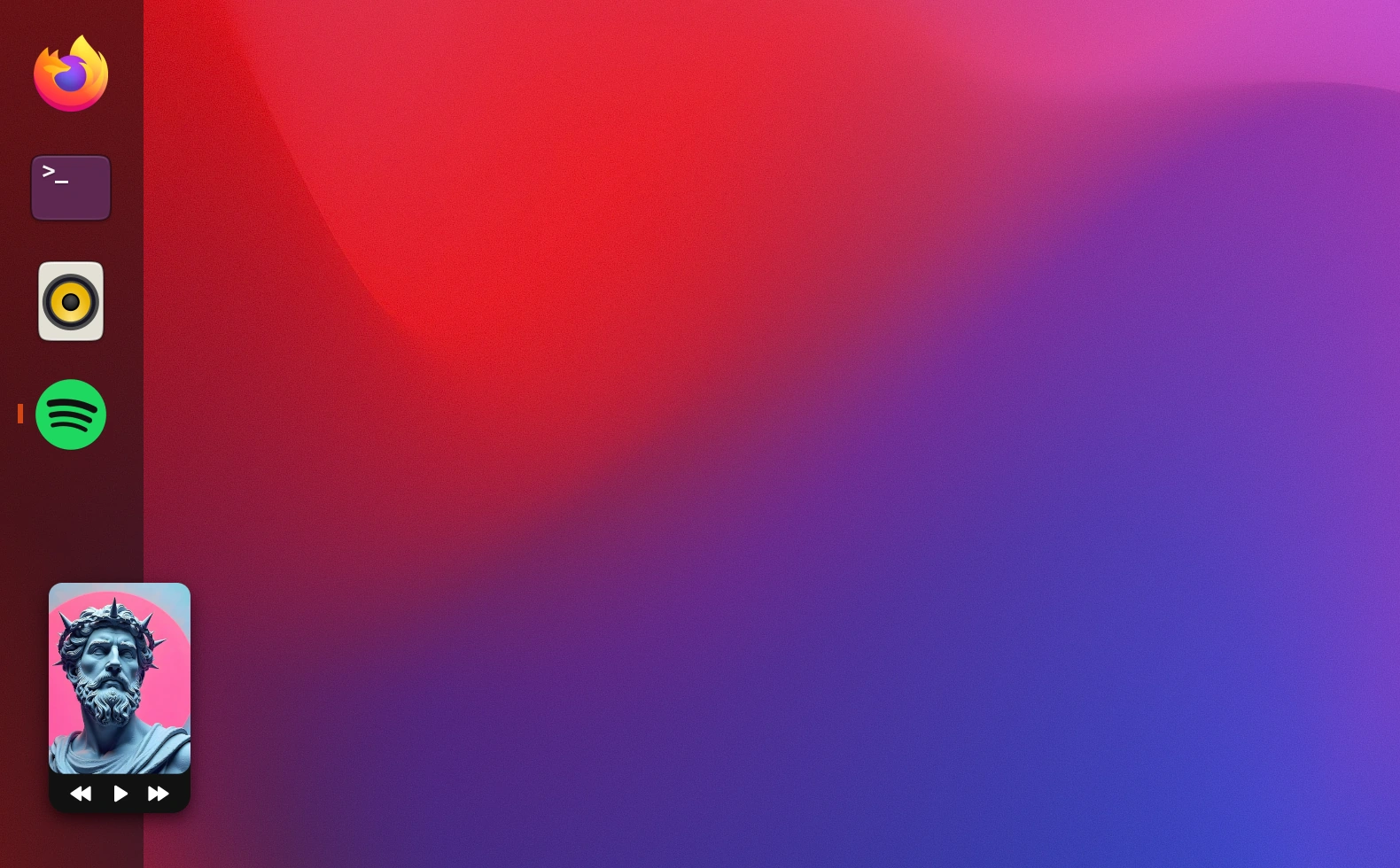
Super mini size
Resize the player to an ultra-compact size while keeping the essential controls visible.
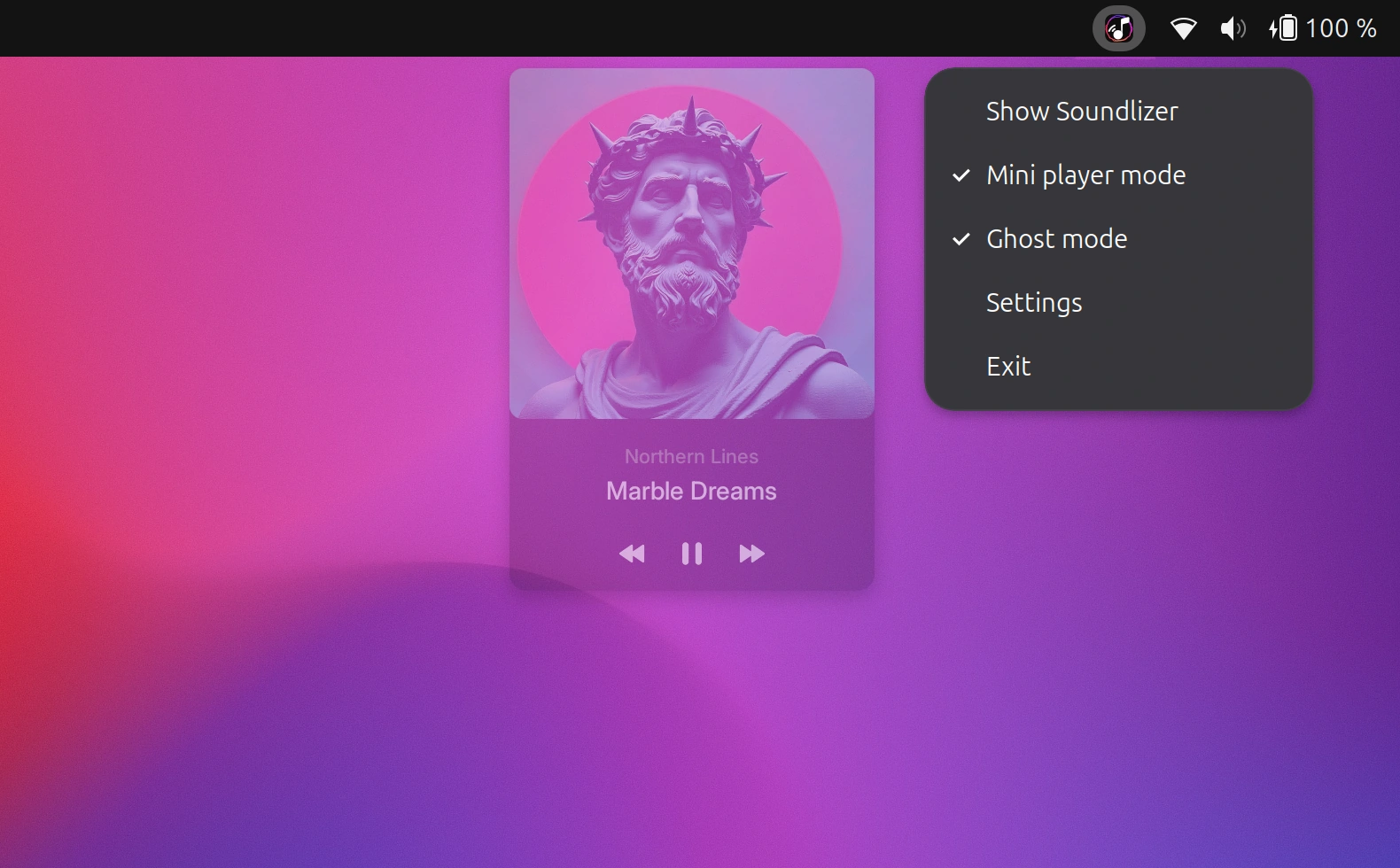
Ghost mode
Make the player transparent and click-through. Enable it from the system tray.
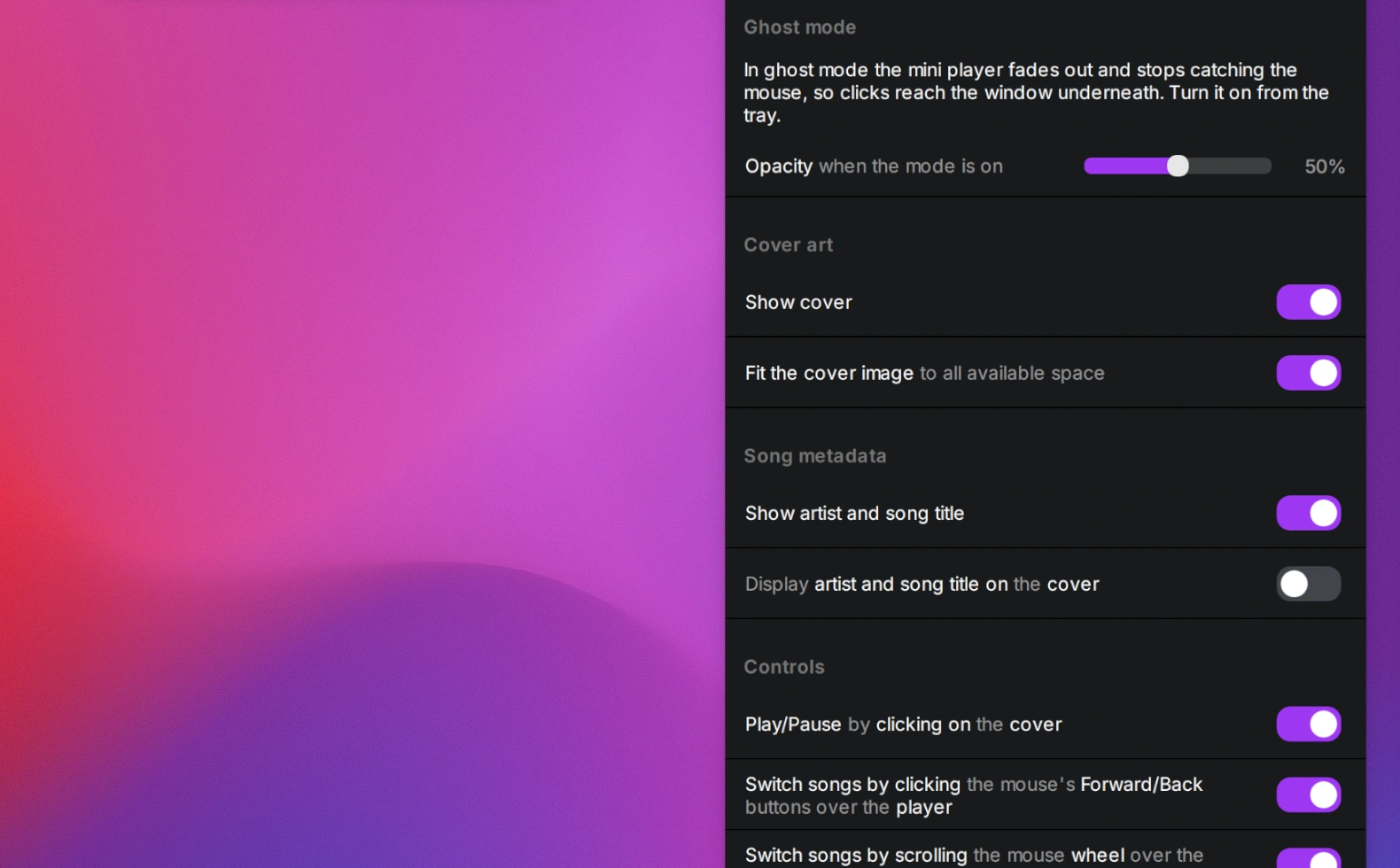
Customizable options
Choose which controls and track information to show, adjust transparency and more.
Pairing takes about a minute
Soundlizer Connect automatically finds your phone on the local network. You don't need a login, QR code or pairing code. Your PC and phone just need to be on the same network.
Install and open
Install and open Soundlizer on your Android device.
Install Soundlizer Connect on your PC and open the app.
Connect the devices
Select Computer as the audio source in Android app and tap Connect.
Click Connect device in Soundlizer Connect.
The app automatically finds your phone on the local network and connects to it.
Press play
Open any visualization template you like in the Android app.
Start playing audio on your PC and enjoy.